
 Image 1 of 1
How this works:
The whole process happens at checkout — no back-and-forth emails, no separate form to hunt down later.

01
Add return address printing to your cart
Select your ink color — black, white, or color matched to your envelope or suite.
02
Upload your return address file at checkout
Use one of our convenient templates for formatting your return address! Just download the files in jpeg or transparent png and upload.
03
We print on the back flap and ship
Printed directly on the envelope flap — no labels. Ships with the rest of your order within the standard production window.
BEFORE YOU ORDER
Design your return address. We'll print it.
Return address printing is a design file handoff — you build the artwork using our template, and we print exactly what you send. Pick the template that fits your envelope flap style, design it however you want, and upload the finished file at checkout.
01
Download or open your template
Choose the Canva version for your flap style. The template has the correct dimensions and guides built in.
02
Design it your way
Fonts, layout, color, elements — whatever you want, as long as it fits within the template boundaries. Keep text centered and legible.
03
Delete the flap guides before exporting
Remove any guide layers, outlines, or template markers before you export. We print exactly what's in the file — guides included if you leave them.
04
Export and upload at checkout
Save as PDF, PNG, or JPG at 300 DPI or higher. Upload directly when you add to cart.
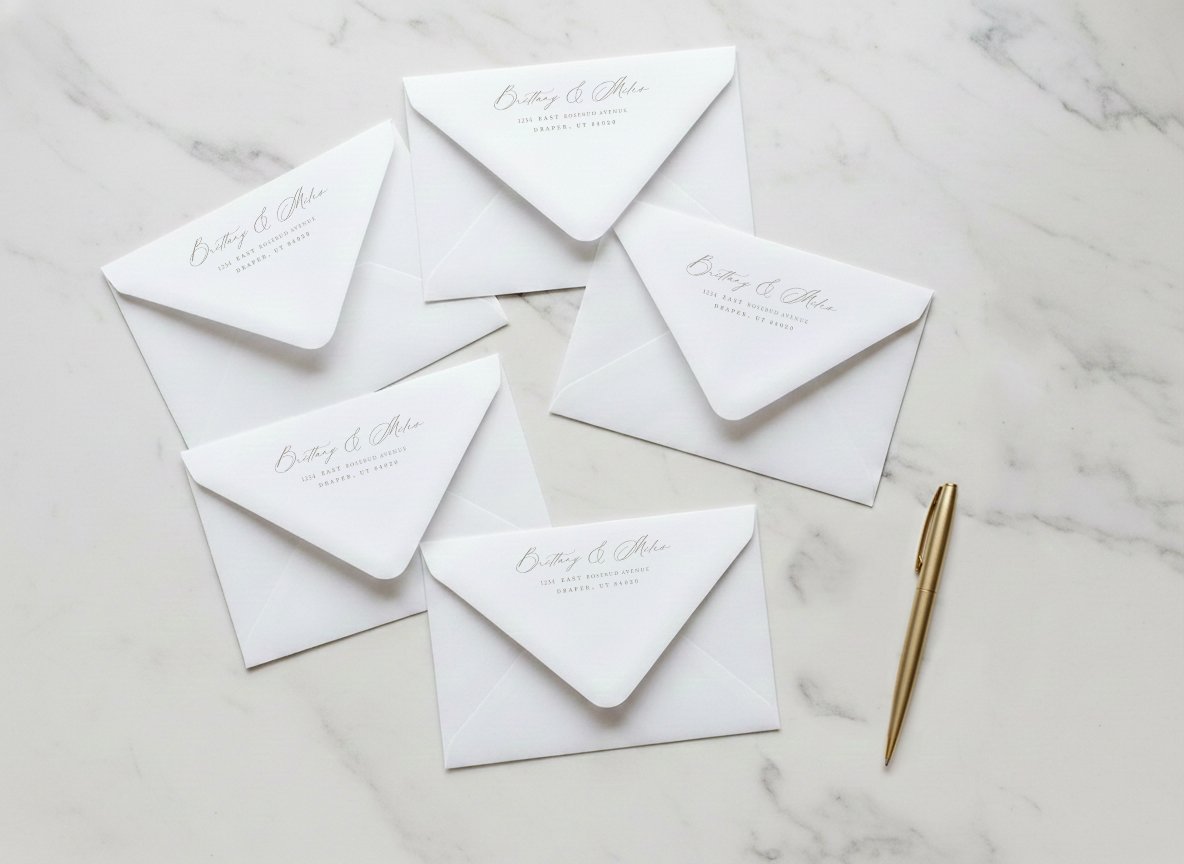
“One thing to double-check: make sure your text is centered within the flap area before you export. That’s the most common thing that needs a correction — and catching it now means your order ships on time.”
Canva Euroflap template
For envelopes with a long pointed flap. Most common for wedding invitation suites.
Open in Canva, design directly in the browser. No software to download. Good if you're already working in Canva for your invitation design.
Canva Triangle flap template
For envelopes with a standard pointed triangle flap.
Same process as the euroflap — open in Canva, design and export. Pick this one if your envelope has a shorter triangular flap.
FROM REAL BRIDES
What they said after the invitations went out.
